


This is a very simple method for hiding files or folders on your system.The following steps will guide to the process of hiding.
Note:It is necessary that you have some basic knowledge about directories command used in cmd.
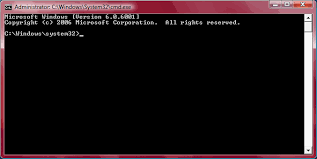
Note:It is necessary that you have some basic knowledge about directories command used in cmd.
- Goto "START".
- select "run".
- Type "cmd".
- First of all check the directory in which your file resides.If it resides in C directory then type "c:" in cmd. If in D directory then type "d:" in cmd.
- Suppose if the file/folder you want to hide resides in directory "C" not in any folder, then type
"attrib filename +s +h". Now, check the c directory and you will find that the file is not there. - Now to unhide the file, type "attrib filename -s -h". Now, the file is replaced.
Note: The command "cd.." exits you out of a directory.
- Suppose the name of the file/folder to be hidden is trial in D directory within a folder named test.Open cmd type "d:".
- Now type "cd test".
- Now type "attrib trial +s +h" to hide the trial file/folder .
- If you want to unhide type"attrib trial -s -h". Remember that while unhiding the file/folder goto the exact location in directory to unhide else it wont unhide the file.Here the location of file/folder is c:\trial.
0 comments:
Post a Comment